

Notebookcheck spots Legion Space 2.1 on Lenovo LOQ laptop
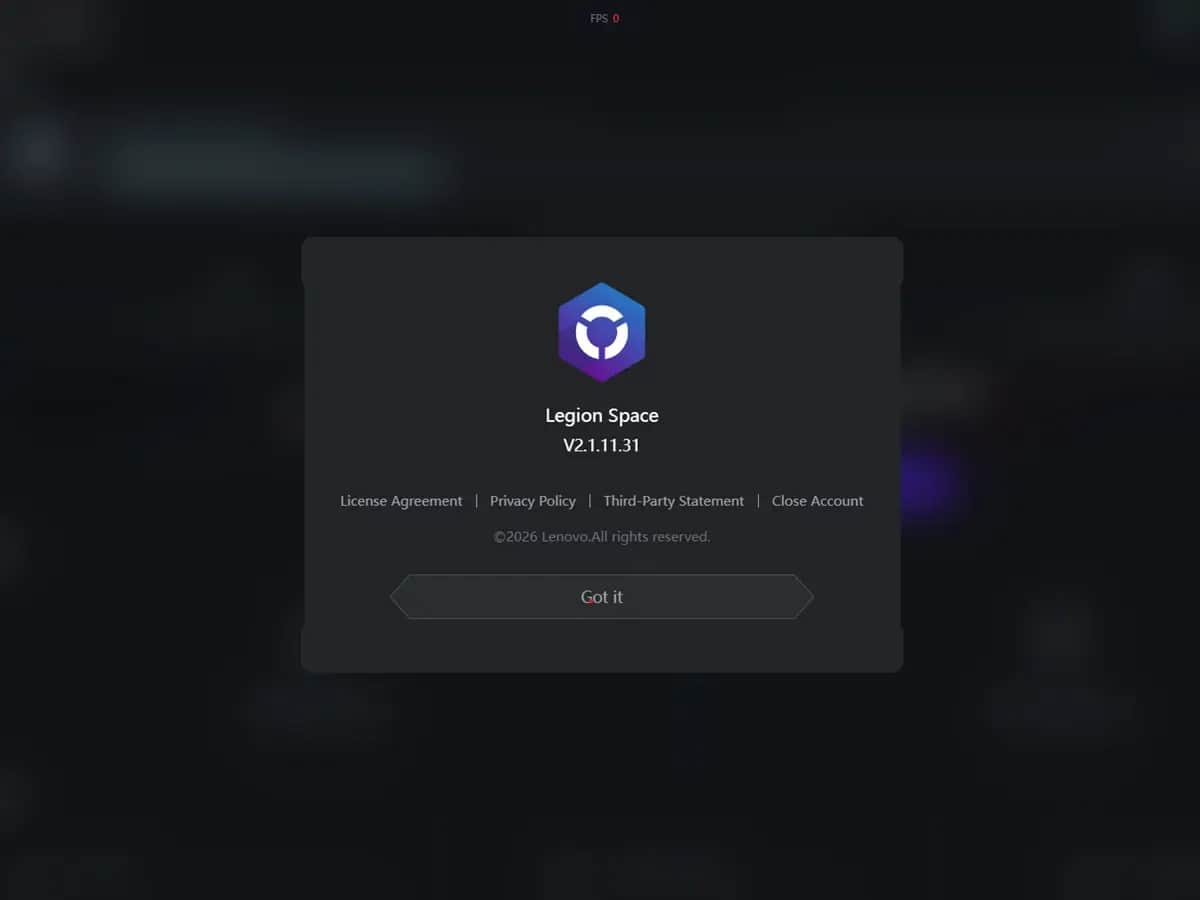
Legion Space version 2.1.11.31 installed automatically on a Lenovo LOQ 15IRX10 test laptop, Notebookcheck reported. Meanwhile, version 1.9.11.5 remained the latest publicly available build of the app on Lenovo’s support website.
Notebookcheck recorded the update between November 11 and 12, 2026, on a retail LOQ 15IRX10 with an Nvidia GeForce RTX 5060 Laptop GPU. Legion Space is a control center for Lenovo Legion and LOQ gaming devices. In Windows, the app was listed as 546 MB, with Lenovo PC HK Limited named as its publisher.
Reported by Notebookcheck.
Version 2.1.11.31 had not yet appeared on Lenovo’s support page for laptops and desktops, where build 1.9.11.5, dated March 31, 2026, was listed. Notebookcheck also found no announcement from Lenovo about the new version—no release notes, press release, or social media post. The available information therefore concerns an update on a specific test device, not a confirmed wider rollout.
On its support page, Lenovo grouped the LOQ 15IRX10 with four other models—LOQ 15AHP10, LOQ 15AHP11, LOQ 15ARP10E, and LOQ 17IRX10—under a separate version 1.8.12.9 package. However, the tested 15IRX10 received version 2.1.11.31. Lenovo did not explain whether it had changed the restrictions for these models or was rolling out the update gradually. It is also unknown whether version 2.1 will be available for Legion Go handheld devices.
Because Lenovo had not published release notes, Notebookcheck’s description of the features is based on its examination of the test build. In the System Settings section, the outlet found an updated FPS counter: it can be positioned horizontally or vertically, set to small, standard, or large, and anchored in one of eight screen locations. A preview shows the counter’s placement on the primary and secondary displays.
Below the FPS settings is a crosshair overlay. It offers five options, including a chevron, open and classic crosshairs, and a central dot; the crosshair can be turned off, resized, and set to one of eight colors.
In the Services & Utilities tab, Notebookcheck found offers to extend the warranty, including repair and support services. The test device also displayed the code LEGION15, which offered a 15% discount on Lenovo services including Warranty Upgrade, Smart Performance, and Smart Lock. The same tab also contained shortcuts for optimizing memory and startup apps, as well as links to guides and support pages.
According to Notebookcheck, the installed build can be checked on the About screen in Legion Space or in the list of installed apps in Windows settings. Lenovo has not said when version 2.1 will appear on its support website.