

Developer connects Coway air purifier to Home Assistant without the cloud
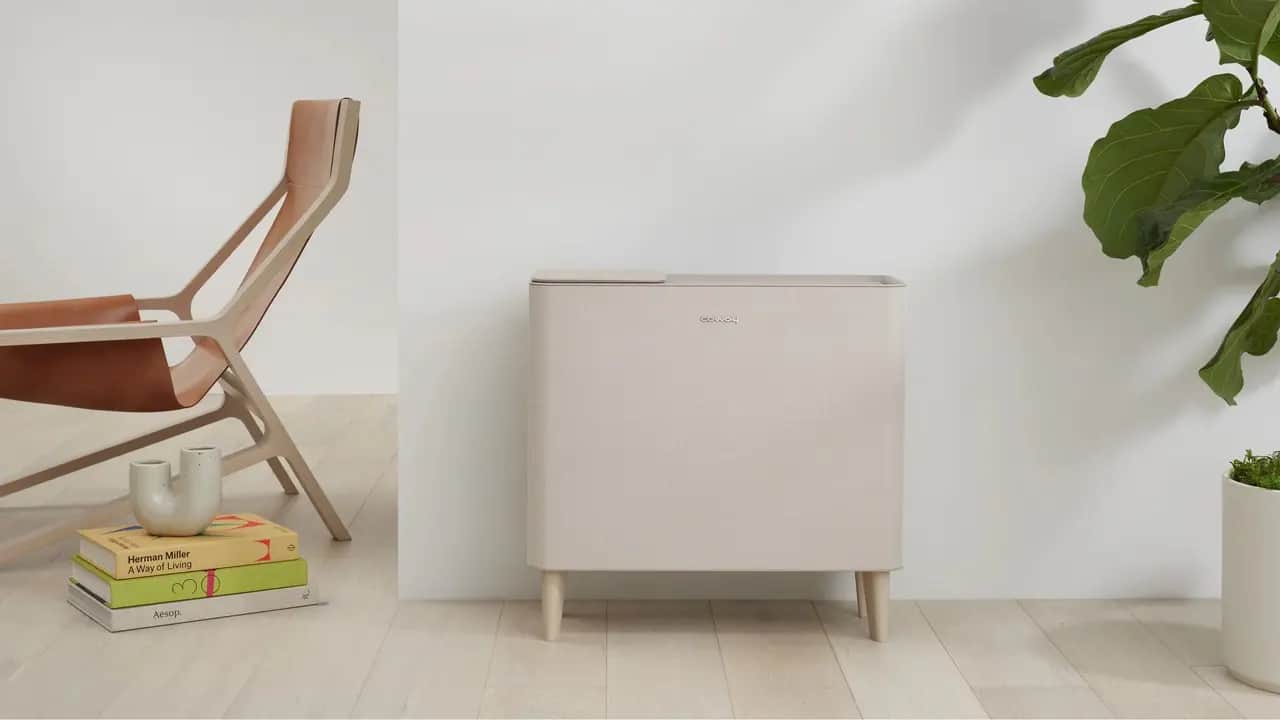
Developer Scott J. Goldman created coway-local, a project for connecting the Coway Airmega IconS directly to Home Assistant without the manufacturer’s cloud service. According to Tom’s Hardware, the solution allows users to control the device locally and also connect it to Apple Home.
The effort was prompted by instability in the previous connection. To add the air purifier to Home Assistant, owners used an unofficial integration that logged into their Coway account and worked through the IoCare+ cloud, Tom’s Hardware reports. Changes to the service’s pages, which the integration read, could break it, as could outages on the company’s servers. Coway’s move from IoCare to IoCare+ also required the integration to be rewritten. The company initially banned it because of the load on its servers, then allowed it after a dispute with users.
Reported by tomshardware.com.
Goldman wanted the Good Night scene in Apple Home to switch on the air purifier. His Coway account was blocked because of an old version of the integration, leaving him without remote control for several weeks. The developer decided to bypass dependence on the manufacturer’s service. According to Tom’s Hardware, he also sees local operation as a fallback in case Coway ever shuts down its cloud or makes access to it paid.
The initial method relied on a security flaw in the setup process. The air purifier downloaded a certificate it was supposed to trust through an unencrypted HTTP request. Goldman intercepted it using a proxy and port forwarding, then substituted the certificate. Tom’s Hardware reports that the request was for the AmazonRootCA1.pem file from an AWS bucket in the Seoul region. The device then made HTTPS requests to Coway’s certificate server; the proxy supplied it with a certificate and key provided by the developer’s server.
Once configured, the air purifier sends commands through MQTT, a messaging protocol widely used in smart-home devices. The standard connection uses TLS on port 8883 and goes through AWS IoT. With coway-local, the device instead communicates with a custom MQTT broker running in Home Assistant. The proxy displayed the raw MQTT stream without decrypting it, while an unnamed artificial intelligence tool helped match commands to button presses in the app, the publication notes.
For setup, the project provides a Web Bluetooth page that can be opened in Chrome on a Mac or Android device near the air purifier. The page sends the Wi-Fi settings and directs the device to a local certificate server. The Wi-Fi password is sent to the air purifier over Bluetooth, but Home Assistant does not store it; the setup link is valid for 15 minutes. After this configuration, Tom’s Hardware says, there is no need to intercept network traffic.
Goldman used several AI tools during development. According to Tom’s Hardware, Claude refused to help set up a Raspberry Pi for traffic interception, while ChatGPT wrote firewall rules. Another, unnamed tool recreated the device’s Bluetooth setup in about 20 minutes and helped read Bluetooth logs through Android Debug Bridge to reconstruct the protocol. The developer estimated that doing this manually could have taken hours or even days.
The solution has requirements and limitations. It requires Home Assistant Core version 2026.10.2 or later, a fixed server address on the local network, and 2.4 GHz Wi-Fi. After switching over, the air purifier disconnects from Coway’s cloud, so the company’s app can no longer control it. The project is experimental and has been tested only on the Airmega IconS marked AP-1022K. Other models may complete Bluetooth setup, but their compatibility with the integration is not guaranteed.
coway-local’s features are still incomplete: it does not display PM10 or other air-quality readings, provide filter-status notifications, or update firmware. Tom’s Hardware emphasizes that the local approach does not retain all the features of the official connection. However, it removes cloud dependence for the supported air purifier. Goldman says the project finally let him use the Good Night scene in Apple Home as he wanted.